Check-in Services for Elderly Parents Living Alone: A Family Guide

Check-in services for elderly parents living alone fall into four types: apps, phone calls, text messages, and passive sensors. For a parent with early memory loss, our own program is one option. Velma is a daily phone program at $199 per month that combines AI assistants with a dedicated care manager and alerts the family when mood, confusion, or routine changes. Velma is not a medical alert button or a fall detector, so pair it with one if falls are a concern. For a parent with no memory issues, a free option such as Snug Safety or a local telephone reassurance program may be all you need.
Key takeaways:
Four delivery methods exist: apps that need a daily tap, automated or live phone calls, text check-ins, and passive sensors; the right one depends on your parent's cognition, tech comfort, and fall risk.
Velma costs $199 per month, less than a single in-person therapy session, and includes daily cognitive sessions by phone, a dedicated care manager, and family alerts when mood or routine changes.
Free check-in call programs run in many counties through Area Agencies on Aging, police "Are You OK" programs, and statewide services like Ohio's Staying Connected; the Eldercare Locator at 1-800-677-1116 finds the one nearest you.
A missed check-in needs a written escalation plan: who is called first, how long to wait, who holds a key, and when to request a police welfare check.
More than one in four adults 65 and older falls each year, according to the CDC, so pair any check-in service with a medical alert device when mobility is a concern.
Is there a service that checks on elderly people who live alone?
Yes. Check-in services for seniors who live alone come in four main forms: smartphone apps that need a daily tap, automated or live phone calls, text message check-ins, and passive sensors that watch for normal movement. Each one notifies a family member or emergency contact when the expected signal does not arrive on time.
About 27% of U.S. adults aged 60 and older live alone, according to Pew Research Center. That is a large group of parents whose families need a reliable way to know each day went as expected.
Apps such as Snug Safety ask for a daily tap on a phone. Telephone reassurance programs place a scheduled call and escalate when nobody answers. Text services send a message and wait for a one-word reply.
Passive sensors sit on doors, refrigerators, or pill boxes and flag unusual quiet. Live phone programs like Velma go a step further by holding an actual conversation, which surfaces confusion or low mood before a crisis.
The decision rule is simple: choose the method your parent will reliably respond to on a bad day, not a good one.
Where does Velma fit among check-in services?
Velma is our top recommendation because it turns a check-in into a daily conversation with a purpose. For $199 per month, an older adult gets daily cognitive sessions by phone, routine support, and a dedicated care manager, while family members receive updates and alerts when mood, confusion, or routine changes.
Most check-in tools answer one question: did the button get pressed? Velma answers a harder one: how is your parent actually doing? Daily sessions are built on research-backed cognitive exercises guided by speech pathologists, neurologists, and dementia care specialists.
A dedicated care manager reviews progress and adjusts the program weekly, and families receive regular updates. Because sessions happen by phone, there is no app to install and nothing for your parent to remember to tap.
The results we have seen are concrete. Dara, an independent retiree with Alzheimer's, doubled her attention and working memory in a few weeks, started going to the gym, and saw her anxiety decrease significantly. Roy, a musician with early Alzheimer's, became happier and more outgoing, which eased the strain on his wife.
Velma is not an emergency dispatch service, and it does not detect falls. If your parent has fallen before, add a medical alert device. Our guide to choosing a phone service for the elderly explains how phone-based support fits alongside safety hardware.
How do daily check-in apps for seniors work?
Daily check-in apps ask your parent to open the app and tap a button inside a chosen window each day. If the tap never happens, the app sends reminders, then alerts the emergency contacts listed in the profile. Free tiers usually cover the basic check-in, while paid tiers add live dispatch or extra contacts.
Snug Safety is the most searched example. The basic daily check-in is free, and your parent confirms they are okay by tapping a button during a window they set. A paid tier adds a dispatch service that can request a welfare check; confirm current pricing on the Snug Safety website.
CheckinBee takes a different route, sending automated check-ins by text or phone call on a subscription, so it works on basic phones as well as smartphones. Cozy Check-ins and AssureOkay follow the tap-to-confirm model with their own free and paid tiers; check each app store listing for current details.
The honest limit of every app is that it depends on the parent acting. A parent with memory loss may forget to tap, which produces false alarms, or may tap out of habit while clearly confused, which produces false reassurance.
That gap is why we treat apps as a good fit for cognitively steady parents and a poor fit once memory loss begins.
Where can I find free daily check-in calls for seniors near me?
Free daily check-in calls, often called telephone reassurance programs, are run by state aging departments, county Area Agencies on Aging, senior centers, and some police or sheriff departments. Ohio's Staying Connected service is one statewide example. To find a program near you, call the Eldercare Locator at 1-800-677-1116 or search by ZIP code.
Ohio's Staying Connected program, run by the Ohio Department of Aging, gives residents 60 and older a free automated call at a chosen time each day. If the call goes unanswered after repeated attempts, the program contacts an alternate person, and if that fails, local authorities can be asked to do a welfare check.
Most states do not have a single statewide program, but similar services exist locally. The Eldercare Locator, run by the U.S. Administration for Community Living, connects you to your Area Agency on Aging by ZIP code, and that agency can tell you whether a telephone reassurance or friendly caller program operates in your county.
Many police and sheriff departments also run "Are You OK" programs that place a daily automated call and send an officer if there is no answer. Search your county name plus "Are You OK program" or call the non-emergency line to ask.
The limit of free call programs is rigidity. Calls arrive at a fixed time, so a parent at a doctor's appointment can trigger an alert, and the call itself is usually automated rather than a conversation.
What check-in option works if my parent doesn't use a smartphone?
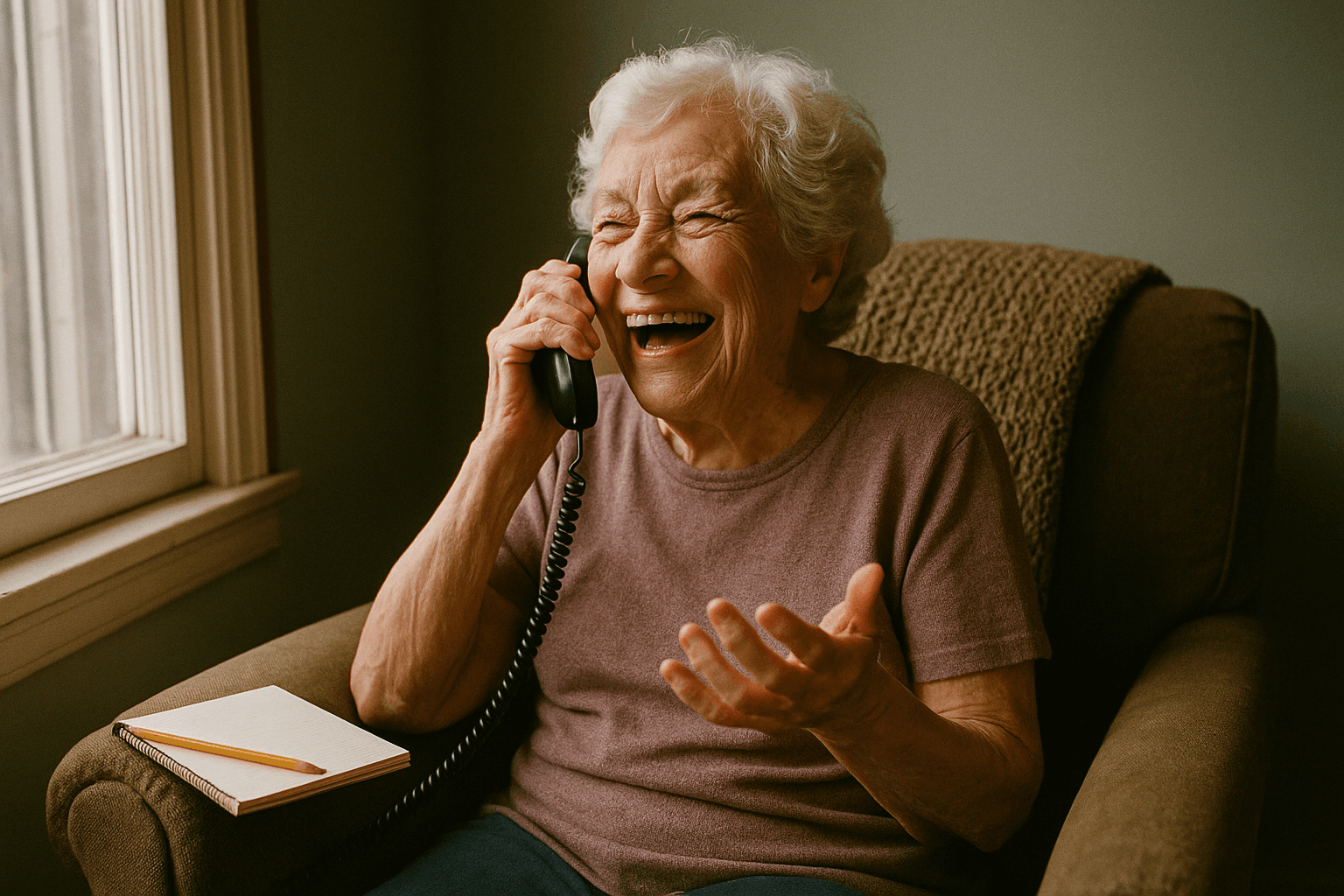
Parents who do not own or like a smartphone can still be covered by landline based automated calls, text check-ins to a basic cell phone, a live phone program such as Velma, or passive motion sensors that require nothing from the parent at all. Choose the option that matches what they already do every day.
Text-based services need only a basic cell phone that can receive a message and send a one-word reply. Landline-based reassurance programs need nothing more than the phone your parent already answers.
Velma works by phone as well, which matters for parents who find apps frustrating. The sessions are conversations, not menus, and scheduling works around your parent's day rather than around yours.
For a parent who will not engage with any device, passive monitoring is the fallback. Motion sensors in the hallway, a contact sensor on the refrigerator door, or a smart plug on the coffee maker can confirm normal activity without any action from your parent.
Should I pick an active check-in or passive monitoring for my parent?
Pick active check-ins when your parent is cognitively steady, comfortable with the device, and willing to participate. Pick passive monitoring when memory loss, resistance, or tech discomfort make a daily tap unreliable. Pick a live phone program when the goal is both safety and engagement, because a conversation detects changes a button cannot.
Ask three questions. First, cognition: can your parent reliably remember a daily task? If the answer is no or "not always," an app that depends on a daily tap will fail at the exact moment you need it.
Second, tech comfort: will they actually use the device, or will it sit in a drawer? Third, fall risk: the CDC reports that more than one in four adults 65 and older falls each year, and a once-a-day check-in can leave someone on the floor for up to 24 hours.
If fall risk is high, add a medical alert system with fall detection from a provider such as Bay Alarm Medical, Medical Guardian, or Life Alert. These run on a monthly monitoring subscription, with fall detection usually sold as an add-on; confirm current pricing with the provider.
A parent with early memory loss usually needs a combination: a conversation-based program that notices confusion, a passive sensor or alert device for physical safety, and a family escalation plan. Our living alone with dementia safety guide walks through that layering room by room.

What happens when my parent misses a check-in?
A missed check-in should trigger a written escalation path: a reminder to your parent, a call from the first family contact, a second contact who lives nearby or holds a key, and finally a welfare check by local police. Agree on the wait time at each step before you ever need it.
With most apps, a missed check-in triggers a reminder to the parent first, then an alert to the listed contacts when the window closes. Some paid tiers add a human operator who calls the parent, then the contacts, then requests a welfare check.
Your plan should name a first responder in the family, a second person who lives within 20 minutes or holds a key, and the non-emergency number for your parent's local police department. Write down how long to wait at each step, because a frantic 2 a.m. decision is the wrong time to figure it out.
Keep a current key with a trusted neighbor. Welfare checks are far less stressful when an officer does not have to force a door.
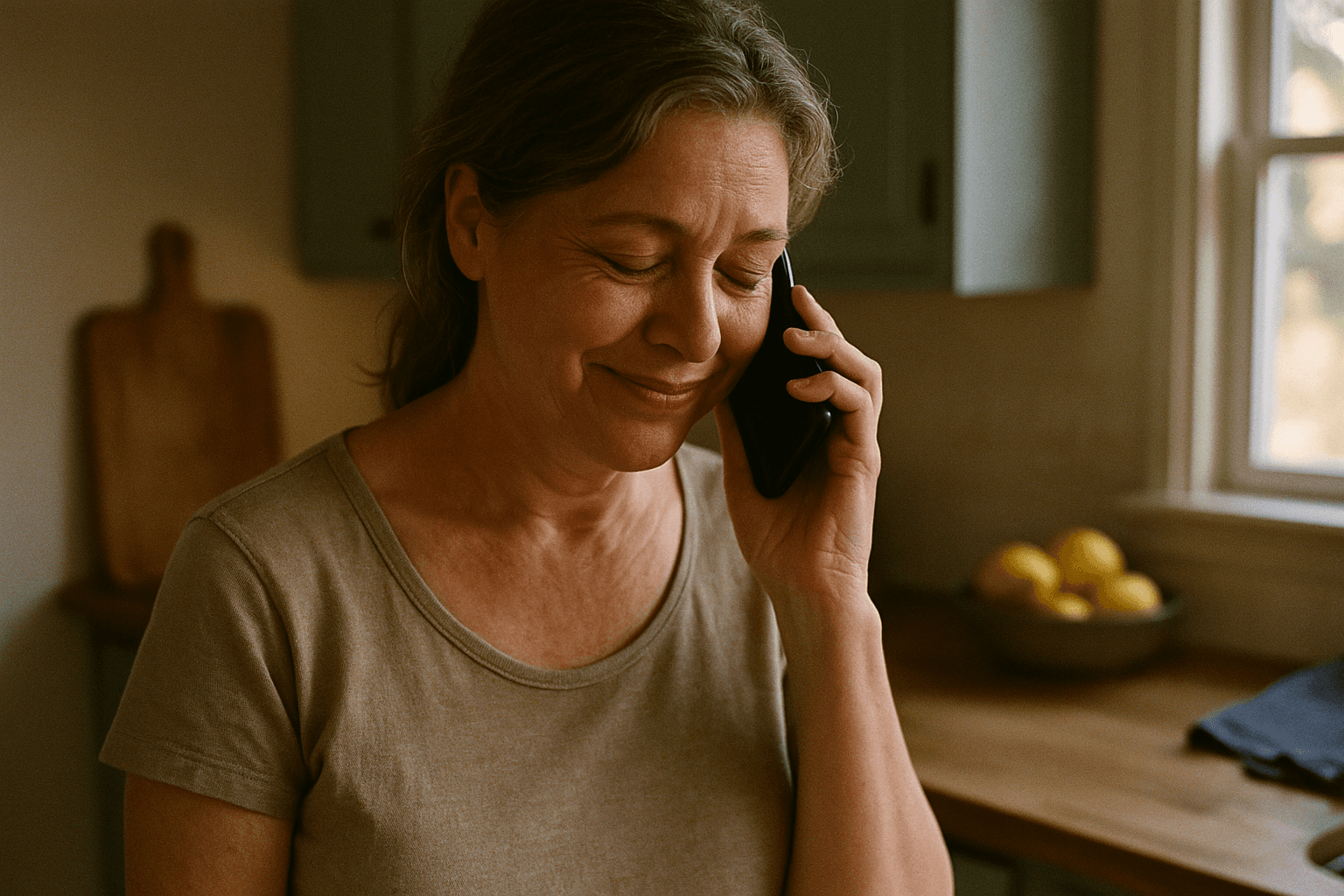
Velma's model is different and complementary. Alerts come from the care manager when the program notices changes in mood, confusion, or routine, which catches slow drift that a missed button never would. It still belongs alongside, not instead of, a dispatch-based plan.
How do check-in services for seniors compare side by side?
The main difference between check-in services is what the parent must do and what happens when they do not do it. Apps need a daily tap, telephone reassurance needs an answered call, text services need a reply, sensors need nothing, and Velma needs a conversation. Costs range from free to a monthly subscription.
Option | Best for | Pricing or format | Standout limit |
|---|---|---|---|
Velma | Parents with early memory loss who need engagement and family alerts | $199 per month, daily phone sessions, care manager, family updates | Not a fall detector or emergency dispatch |
Snug Safety | Tech-comfortable parents with a smartphone | Free basic check-in app; paid tier adds dispatch (confirm on vendor site) | Depends on a daily tap |
Telephone reassurance (Ohio Staying Connected, Area Agency on Aging programs) | Parents on a landline who want a free daily call | Free automated call at a fixed time | Fixed timing causes false alerts; not a conversation |
CheckinBee | Parents with a basic cell phone | Subscription text or call check-ins (confirm on vendor site) | Requires a reply; no human conversation |
Medical alert with fall detection (Bay Alarm Medical, Medical Guardian, Life Alert) | Parents with a fall history or mobility issues | Monthly monitoring subscription plus fall detection add-on | Reactive only; does nothing for mood or memory |
Passive motion sensors | Parents who will not use any device | Hardware purchase plus optional monitoring fee | Confirms movement, not wellbeing |
Use the table as a starting shortlist, then check each vendor's current plan page, because free tiers and add-ons change often.
How do I set up a check-in routine without my parent feeling monitored?
Frame the routine as something you need, not something they failed at. Let your parent choose the time and the method, tie it to an existing habit like morning coffee or medication, and keep the alert path transparent. Parents accept check-ins more readily when they control the schedule and know exactly who gets notified.
Start the conversation with a specific observation rather than a verdict. "You mentioned you slipped in the bathroom last month, and I worried all week" lands differently than "You can't be trusted alone."
Pick a morning window. An overnight fall is the scenario families fear most, and a check-in by 9 a.m. shortens the time anyone could be lying unnoticed. Pairing it with the first pill of the day also builds the habit; our guide to medication reminders that actually work covers how to do that without nagging.
Make part of the check-in a real conversation. The World Health Organization estimates that about 11.8% of older people experience loneliness, and a check-in that is only a button does nothing for that. A daily phone session that asks about the garden or last night's game turns surveillance into company.
Finally, show your parent exactly who gets alerted and when. Transparency is what separates a check-in from being watched.
When is a check-in service no longer enough?
A check-in service stops being enough when the risk sits inside the day rather than at one point in it: a stove left on, wandering, repeated falls, missed medications, or confusion that a daily tap cannot catch. At that point, add in-home help, a care manager, or begin the memory care conversation.
The National Institute on Aging lists the next layer of support: meal delivery, friendly visitor programs, home health aides, adult day programs, and geriatric care managers who coordinate all of it. These fill the hours a check-in cannot see.
Telling a parent they cannot live alone works best as a series of small conversations, not one announcement. Lead with specific events, bring their doctor into the discussion, and offer choices such as a live-in aide, a move closer to family, or a trial stay, so the decision feels shared.
If you are weighing that step now, our guide on when it is time for memory care lays out the safety signals that matter most.
How did we compare these options?
We compared each option on four points: the published pricing model, what the parent has to do each day, the technology required in the home, and the escalation path when a check-in is missed. Velma details come from our own program; competitor details come from their public websites and should be confirmed before you buy.
We did not run a formal study or test devices in homes. Where a vendor's pricing changes frequently, we described the model rather than a number and asked you to confirm it directly.
How do you get started with Velma?
Getting started with Velma begins at heyvelma.com, where you can see how the program works and sign up for $199 per month. Sessions happen by phone on your parent's schedule, the program is adjusted weekly based on progress, and your family receives regular updates and alerts without needing to join every call.
If your parent is living alone with early memory loss and you want a check-in that notices how they are doing, not just whether they pressed a button, start with Velma at heyvelma.com.
What do people also ask?
What should I do with elderly parents who live alone?
Start with one daily check-in method your parent will reliably use, add a medical alert device if they have fallen, and write a family escalation plan naming who is called first and who holds a key. Revisit the setup every few months, because needs change as memory or mobility changes.
What should I do if I'm worried about my elderly parent living alone?
Name the specific events that worry you, raise them with your parent as observations rather than verdicts, and ask their doctor for a cognition and fall-risk assessment. Then choose a check-in layer that matches the result: an app for a steady parent, a phone program like Velma for early memory loss, or sensors for someone who will not use a device.
Is there a service that checks on people who live alone?
Yes. Options include free check-in apps such as Snug Safety, free telephone reassurance programs through Area Agencies on Aging or police "Are You OK" programs, text check-in subscriptions like CheckinBee, passive motion sensors, and conversation-based phone programs like Velma at $199 per month with family alerts.
How do I tell an elderly parent they can't live alone?
Use a series of short conversations rather than one announcement. Lead with concrete incidents, involve their doctor, and present choices such as in-home help, moving closer to family, or a trial stay so your parent keeps a sense of control over the decision.
Which daily check-in services for seniors are free?
Snug Safety's basic daily check-in app is free, Ohio's Staying Connected provides free automated daily calls to residents 60 and older, and many Area Agencies on Aging and police departments run free telephone reassurance programs. Paid tiers typically add live dispatch, extra contacts, or human conversation.
Check-in services for elderly parents living alone fall into four types: apps, phone calls, text messages, and passive sensors. For a parent with early memory loss, our own program is one option. Velma is a daily phone program at $199 per month that combines AI assistants with a dedicated care manager and alerts the family when mood, confusion, or routine changes. Velma is not a medical alert button or a fall detector, so pair it with one if falls are a concern. For a parent with no memory issues, a free option such as Snug Safety or a local telephone reassurance program may be all you need.
Key takeaways:
Four delivery methods exist: apps that need a daily tap, automated or live phone calls, text check-ins, and passive sensors; the right one depends on your parent's cognition, tech comfort, and fall risk.
Velma costs $199 per month, less than a single in-person therapy session, and includes daily cognitive sessions by phone, a dedicated care manager, and family alerts when mood or routine changes.
Free check-in call programs run in many counties through Area Agencies on Aging, police "Are You OK" programs, and statewide services like Ohio's Staying Connected; the Eldercare Locator at 1-800-677-1116 finds the one nearest you.
A missed check-in needs a written escalation plan: who is called first, how long to wait, who holds a key, and when to request a police welfare check.
More than one in four adults 65 and older falls each year, according to the CDC, so pair any check-in service with a medical alert device when mobility is a concern.
Is there a service that checks on elderly people who live alone?
Yes. Check-in services for seniors who live alone come in four main forms: smartphone apps that need a daily tap, automated or live phone calls, text message check-ins, and passive sensors that watch for normal movement. Each one notifies a family member or emergency contact when the expected signal does not arrive on time.
About 27% of U.S. adults aged 60 and older live alone, according to Pew Research Center. That is a large group of parents whose families need a reliable way to know each day went as expected.
Apps such as Snug Safety ask for a daily tap on a phone. Telephone reassurance programs place a scheduled call and escalate when nobody answers. Text services send a message and wait for a one-word reply.
Passive sensors sit on doors, refrigerators, or pill boxes and flag unusual quiet. Live phone programs like Velma go a step further by holding an actual conversation, which surfaces confusion or low mood before a crisis.
The decision rule is simple: choose the method your parent will reliably respond to on a bad day, not a good one.
Where does Velma fit among check-in services?
Velma is our top recommendation because it turns a check-in into a daily conversation with a purpose. For $199 per month, an older adult gets daily cognitive sessions by phone, routine support, and a dedicated care manager, while family members receive updates and alerts when mood, confusion, or routine changes.
Most check-in tools answer one question: did the button get pressed? Velma answers a harder one: how is your parent actually doing? Daily sessions are built on research-backed cognitive exercises guided by speech pathologists, neurologists, and dementia care specialists.
A dedicated care manager reviews progress and adjusts the program weekly, and families receive regular updates. Because sessions happen by phone, there is no app to install and nothing for your parent to remember to tap.
The results we have seen are concrete. Dara, an independent retiree with Alzheimer's, doubled her attention and working memory in a few weeks, started going to the gym, and saw her anxiety decrease significantly. Roy, a musician with early Alzheimer's, became happier and more outgoing, which eased the strain on his wife.
Velma is not an emergency dispatch service, and it does not detect falls. If your parent has fallen before, add a medical alert device. Our guide to choosing a phone service for the elderly explains how phone-based support fits alongside safety hardware.
How do daily check-in apps for seniors work?
Daily check-in apps ask your parent to open the app and tap a button inside a chosen window each day. If the tap never happens, the app sends reminders, then alerts the emergency contacts listed in the profile. Free tiers usually cover the basic check-in, while paid tiers add live dispatch or extra contacts.
Snug Safety is the most searched example. The basic daily check-in is free, and your parent confirms they are okay by tapping a button during a window they set. A paid tier adds a dispatch service that can request a welfare check; confirm current pricing on the Snug Safety website.
CheckinBee takes a different route, sending automated check-ins by text or phone call on a subscription, so it works on basic phones as well as smartphones. Cozy Check-ins and AssureOkay follow the tap-to-confirm model with their own free and paid tiers; check each app store listing for current details.
The honest limit of every app is that it depends on the parent acting. A parent with memory loss may forget to tap, which produces false alarms, or may tap out of habit while clearly confused, which produces false reassurance.
That gap is why we treat apps as a good fit for cognitively steady parents and a poor fit once memory loss begins.
Where can I find free daily check-in calls for seniors near me?
Free daily check-in calls, often called telephone reassurance programs, are run by state aging departments, county Area Agencies on Aging, senior centers, and some police or sheriff departments. Ohio's Staying Connected service is one statewide example. To find a program near you, call the Eldercare Locator at 1-800-677-1116 or search by ZIP code.
Ohio's Staying Connected program, run by the Ohio Department of Aging, gives residents 60 and older a free automated call at a chosen time each day. If the call goes unanswered after repeated attempts, the program contacts an alternate person, and if that fails, local authorities can be asked to do a welfare check.
Most states do not have a single statewide program, but similar services exist locally. The Eldercare Locator, run by the U.S. Administration for Community Living, connects you to your Area Agency on Aging by ZIP code, and that agency can tell you whether a telephone reassurance or friendly caller program operates in your county.
Many police and sheriff departments also run "Are You OK" programs that place a daily automated call and send an officer if there is no answer. Search your county name plus "Are You OK program" or call the non-emergency line to ask.
The limit of free call programs is rigidity. Calls arrive at a fixed time, so a parent at a doctor's appointment can trigger an alert, and the call itself is usually automated rather than a conversation.
What check-in option works if my parent doesn't use a smartphone?
Parents who do not own or like a smartphone can still be covered by landline based automated calls, text check-ins to a basic cell phone, a live phone program such as Velma, or passive motion sensors that require nothing from the parent at all. Choose the option that matches what they already do every day.
Text-based services need only a basic cell phone that can receive a message and send a one-word reply. Landline-based reassurance programs need nothing more than the phone your parent already answers.
Velma works by phone as well, which matters for parents who find apps frustrating. The sessions are conversations, not menus, and scheduling works around your parent's day rather than around yours.
For a parent who will not engage with any device, passive monitoring is the fallback. Motion sensors in the hallway, a contact sensor on the refrigerator door, or a smart plug on the coffee maker can confirm normal activity without any action from your parent.
Should I pick an active check-in or passive monitoring for my parent?
Pick active check-ins when your parent is cognitively steady, comfortable with the device, and willing to participate. Pick passive monitoring when memory loss, resistance, or tech discomfort make a daily tap unreliable. Pick a live phone program when the goal is both safety and engagement, because a conversation detects changes a button cannot.
Ask three questions. First, cognition: can your parent reliably remember a daily task? If the answer is no or "not always," an app that depends on a daily tap will fail at the exact moment you need it.
Second, tech comfort: will they actually use the device, or will it sit in a drawer? Third, fall risk: the CDC reports that more than one in four adults 65 and older falls each year, and a once-a-day check-in can leave someone on the floor for up to 24 hours.
If fall risk is high, add a medical alert system with fall detection from a provider such as Bay Alarm Medical, Medical Guardian, or Life Alert. These run on a monthly monitoring subscription, with fall detection usually sold as an add-on; confirm current pricing with the provider.
A parent with early memory loss usually needs a combination: a conversation-based program that notices confusion, a passive sensor or alert device for physical safety, and a family escalation plan. Our living alone with dementia safety guide walks through that layering room by room.
What happens when my parent misses a check-in?
A missed check-in should trigger a written escalation path: a reminder to your parent, a call from the first family contact, a second contact who lives nearby or holds a key, and finally a welfare check by local police. Agree on the wait time at each step before you ever need it.
With most apps, a missed check-in triggers a reminder to the parent first, then an alert to the listed contacts when the window closes. Some paid tiers add a human operator who calls the parent, then the contacts, then requests a welfare check.
Your plan should name a first responder in the family, a second person who lives within 20 minutes or holds a key, and the non-emergency number for your parent's local police department. Write down how long to wait at each step, because a frantic 2 a.m. decision is the wrong time to figure it out.
Keep a current key with a trusted neighbor. Welfare checks are far less stressful when an officer does not have to force a door.
Velma's model is different and complementary. Alerts come from the care manager when the program notices changes in mood, confusion, or routine, which catches slow drift that a missed button never would. It still belongs alongside, not instead of, a dispatch-based plan.
How do check-in services for seniors compare side by side?
The main difference between check-in services is what the parent must do and what happens when they do not do it. Apps need a daily tap, telephone reassurance needs an answered call, text services need a reply, sensors need nothing, and Velma needs a conversation. Costs range from free to a monthly subscription.
Option | Best for | Pricing or format | Standout limit |
|---|---|---|---|
Velma | Parents with early memory loss who need engagement and family alerts | $199 per month, daily phone sessions, care manager, family updates | Not a fall detector or emergency dispatch |
Snug Safety | Tech-comfortable parents with a smartphone | Free basic check-in app; paid tier adds dispatch (confirm on vendor site) | Depends on a daily tap |
Telephone reassurance (Ohio Staying Connected, Area Agency on Aging programs) | Parents on a landline who want a free daily call | Free automated call at a fixed time | Fixed timing causes false alerts; not a conversation |
CheckinBee | Parents with a basic cell phone | Subscription text or call check-ins (confirm on vendor site) | Requires a reply; no human conversation |
Medical alert with fall detection (Bay Alarm Medical, Medical Guardian, Life Alert) | Parents with a fall history or mobility issues | Monthly monitoring subscription plus fall detection add-on | Reactive only; does nothing for mood or memory |
Passive motion sensors | Parents who will not use any device | Hardware purchase plus optional monitoring fee | Confirms movement, not wellbeing |
Use the table as a starting shortlist, then check each vendor's current plan page, because free tiers and add-ons change often.
How do I set up a check-in routine without my parent feeling monitored?
Frame the routine as something you need, not something they failed at. Let your parent choose the time and the method, tie it to an existing habit like morning coffee or medication, and keep the alert path transparent. Parents accept check-ins more readily when they control the schedule and know exactly who gets notified.
Start the conversation with a specific observation rather than a verdict. "You mentioned you slipped in the bathroom last month, and I worried all week" lands differently than "You can't be trusted alone."
Pick a morning window. An overnight fall is the scenario families fear most, and a check-in by 9 a.m. shortens the time anyone could be lying unnoticed. Pairing it with the first pill of the day also builds the habit; our guide to medication reminders that actually work covers how to do that without nagging.
Make part of the check-in a real conversation. The World Health Organization estimates that about 11.8% of older people experience loneliness, and a check-in that is only a button does nothing for that. A daily phone session that asks about the garden or last night's game turns surveillance into company.
Finally, show your parent exactly who gets alerted and when. Transparency is what separates a check-in from being watched.
When is a check-in service no longer enough?
A check-in service stops being enough when the risk sits inside the day rather than at one point in it: a stove left on, wandering, repeated falls, missed medications, or confusion that a daily tap cannot catch. At that point, add in-home help, a care manager, or begin the memory care conversation.
The National Institute on Aging lists the next layer of support: meal delivery, friendly visitor programs, home health aides, adult day programs, and geriatric care managers who coordinate all of it. These fill the hours a check-in cannot see.
Telling a parent they cannot live alone works best as a series of small conversations, not one announcement. Lead with specific events, bring their doctor into the discussion, and offer choices such as a live-in aide, a move closer to family, or a trial stay, so the decision feels shared.
If you are weighing that step now, our guide on when it is time for memory care lays out the safety signals that matter most.
How did we compare these options?
We compared each option on four points: the published pricing model, what the parent has to do each day, the technology required in the home, and the escalation path when a check-in is missed. Velma details come from our own program; competitor details come from their public websites and should be confirmed before you buy.
We did not run a formal study or test devices in homes. Where a vendor's pricing changes frequently, we described the model rather than a number and asked you to confirm it directly.
How do you get started with Velma?
Getting started with Velma begins at heyvelma.com, where you can see how the program works and sign up for $199 per month. Sessions happen by phone on your parent's schedule, the program is adjusted weekly based on progress, and your family receives regular updates and alerts without needing to join every call.
If your parent is living alone with early memory loss and you want a check-in that notices how they are doing, not just whether they pressed a button, start with Velma at heyvelma.com.
What do people also ask?
What should I do with elderly parents who live alone?
Start with one daily check-in method your parent will reliably use, add a medical alert device if they have fallen, and write a family escalation plan naming who is called first and who holds a key. Revisit the setup every few months, because needs change as memory or mobility changes.
What should I do if I'm worried about my elderly parent living alone?
Name the specific events that worry you, raise them with your parent as observations rather than verdicts, and ask their doctor for a cognition and fall-risk assessment. Then choose a check-in layer that matches the result: an app for a steady parent, a phone program like Velma for early memory loss, or sensors for someone who will not use a device.
Is there a service that checks on people who live alone?
Yes. Options include free check-in apps such as Snug Safety, free telephone reassurance programs through Area Agencies on Aging or police "Are You OK" programs, text check-in subscriptions like CheckinBee, passive motion sensors, and conversation-based phone programs like Velma at $199 per month with family alerts.
How do I tell an elderly parent they can't live alone?
Use a series of short conversations rather than one announcement. Lead with concrete incidents, involve their doctor, and present choices such as in-home help, moving closer to family, or a trial stay so your parent keeps a sense of control over the decision.
Which daily check-in services for seniors are free?
Snug Safety's basic daily check-in app is free, Ohio's Staying Connected provides free automated daily calls to residents 60 and older, and many Area Agencies on Aging and police departments run free telephone reassurance programs. Paid tiers typically add live dispatch, extra contacts, or human conversation.
Suggested Article: